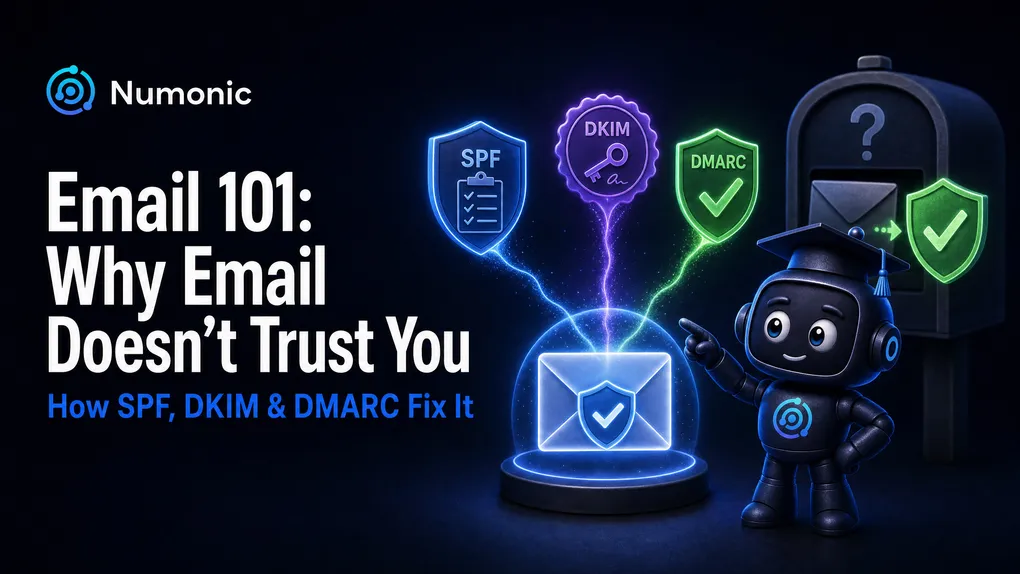
Email 101: Why Email Doesn't Trust You (and How SPF, DKIM & DMARC Fix It)
 By Brian Havelka · · 4 min read
 If your email keeps landing in spam, or Gmail suddenly stops accepting it, the root cause is almost always the same thing: you haven’t proven to the inbox providers that you are who you say you are. This is the start-here guide to how that proof works — the mental model everything else in email deliverability is built on.
This is the pillar for our Email 101 series. Each concept below has its own short video and deep-dive post linked inline.
Email doesn’t trust you — and that’s by design
Here’s the first thing to understand: Google, Microsoft, Yahoo, and Apple don’t trust you. As a sender, you’re the person they’re protecting their users from. Their entire job is to filter out spam and fraud, so every incoming message — including your completely legitimate one — starts out guilty until proven innocent.
And they won’t tell you how to pass. Each provider has its own rules, metrics, and thresholds, and they deliberately don’t publish the details — in the same way you wouldn’t hand a burglar the blueprint to your house. That means the responsibility is entirely on you: it’s your job to set your email up correctly and prove you’re trustworthy.
The original flaw: email can’t prove who sent anything
Why is all of this necessary? Because of a flaw baked in from the very beginning: when email was invented, there was no way to verify who actually sent a message.
A name on an email means nothing on its own. It’s like a paper letter — anyone can write any return address on the envelope, and nothing stops them from pretending to be someone else. So the receiving server genuinely cannot tell a real sender from a forger… unless you give it a way to check.
That “way to check” is the whole game. Everything below is a method for proving, to a skeptical inbox provider, that an email really came from you.
The one place only you can leave proof: your DNS
So where do you put that proof so the inbox provider will believe it? You put it somewhere only the true owner of a domain can touch: your DNS.
DNS — the Domain Name System — is the internet’s address book. Every domain has one, and it’s how the internet knows where to send things: when someone visits your site or emails your domain, their computer looks it up in DNS to find the right servers. Crucially, DNS is public to read but private to write — anyone can look up any domain, but only the person who controls the domain can publish records there.
That’s exactly what makes it perfect for proof. When an inbox provider looks up your domain and finds your records sitting in DNS, it knows the real owner put them there, because nobody else could have. (For the literal, no-analogy version, see What Is a DNS Record?.)
The three tools: SPF, DKIM, DMARC
On top of that foundation sit three tools — three different kinds of proof. They’re all just records you add to your DNS, and together they answer one question: who is this email really from?
- SPF — says which servers are allowed to send email for your domain. The receiver checks whether the message came from a server on your list. Answers: was this sender authorized?
- DKIM — attaches a cryptographic signature to each message; a public key in your DNS lets the receiver confirm the message genuinely came from your domain and wasn’t altered in transit. Answers: is this really from you, and untampered?
- DMARC — ties SPF and DKIM to the “From” address your reader actually sees (called alignment), tells receivers what to do when a message fails, and sends you reports. Answers: do the proofs match the visible sender — and what happens if they don’t?
That’s the whole toolkit. Three simple ideas that, together, let you prove who you are to someone who starts out not trusting you.
Where to go next
Work through the series in order — each builds on the last:
- What Is a DNS Record? — the literal foundation everything is published in.
- What Is SPF? — your email’s guest list. (coming soon)
- What Is DKIM? — the tamper-proof seal. (coming soon)
- What Is DMARC? — the rulebook. (coming soon)
- What Is DMARC Alignment? — why SPF and DKIM can pass and you still fail. (coming soon)
Want to see whether your own domain is set up correctly? Run it through the free checker at numonic.com/tools — it’ll tell you what’s in place and exactly what’s missing.