What Is a DNS Record? A Plain-English Guide
 By Brian Havelka · · 4 min read
 Before the metaphors — guest lists, seals, rulebooks — it helps to know literally what a DNS record is, because it’s simpler than it sounds. This is the plain-English version.
Part of the Email 101 series.
What DNS actually is
DNS — the Domain Name System — is one big, shared database that the whole internet uses to look things up about domains. It’s how a computer finds out where your website lives, where your email should be delivered, and who’s allowed to send email as you.
It isn’t run by any single company. It’s distributed: the “root” points to each top-level domain (.com, .org, and so on), each of those points to the servers responsible for individual domains, and your domain’s records live on the servers you control (through your registrar or DNS host). No one operates the whole thing — and nobody but you can change your piece of it.
A DNS record is just one entry in that database
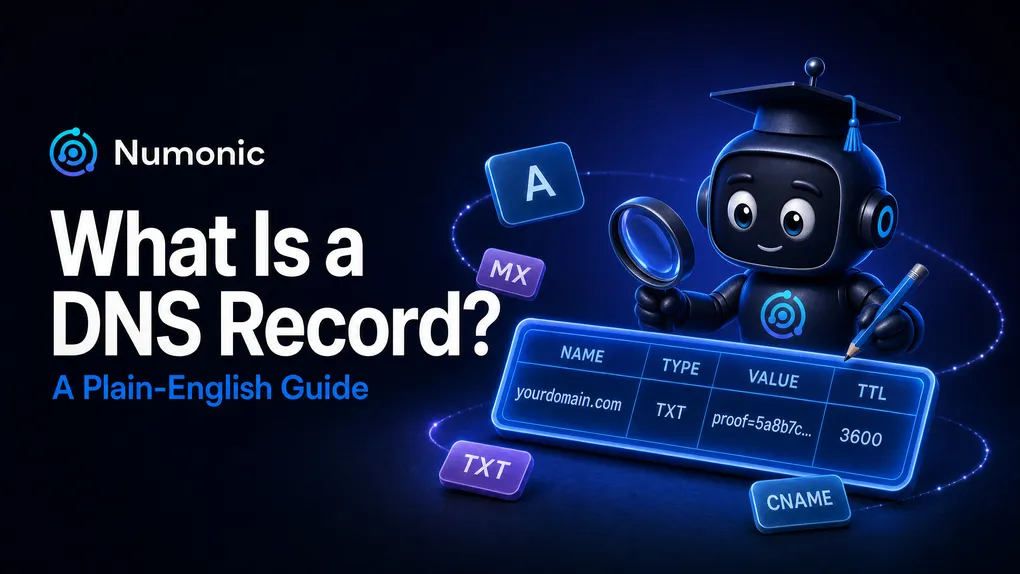
A DNS record is a single entry in DNS. That’s it. Records are structured — every entry follows the same fixed format — which is what makes them so simple and fast for machines to read. And each record has only a handful of fields:
| Field | What it is |
|---|---|
| Name | The domain or subdomain the record is about — e.g. yourdomain.com or _dmarc.yourdomain.com. |
| Type | What kind of information the entry holds (see below). |
| Value | The actual data — an IP address, a mail server, or text. |
| TTL | ”Time to live,” a number in seconds for how long other computers may remember the record before checking again. Usually you can leave this alone. |
(There’s also a “class” field, but it’s almost always IN for Internet, so you can ignore it.)
A concrete example: name yourdomain.com, type A, value 93.184.216.34, TTL 3600. That’s a complete record — a name, a type, a value, and a timer.
The record types that matter
The type field decides how the value is read. The common ones:
- A — points a domain to an IPv4 address (where your website is).
- AAAA — same, for an IPv6 address.
- MX — the mail server that receives email for your domain.
- CNAME — an alias: “this name is really another name.”
- TXT — arbitrary text. This is the one email authentication uses.
- NS — which servers are authoritative for your domain.
SPF, DKIM, and DMARC are just TXT records
Here’s the part that ties the whole series together: SPF, DKIM, and DMARC aren’t special systems — they’re literally just records you add to your DNS, almost all of them TXT records.
- SPF is a
TXTrecord on your domain whose value is a string likev=spf1 include:amazonses.com -all. - DMARC is a
TXTrecord at the name_dmarc.yourdomain.com. - DKIM is a record (a
TXTrecord, or aCNAMEpointing to your provider’s) at a name likeselector._domainkey.yourdomain.com, holding a public key.
So when a guide says “publish an SPF record,” it means exactly this: add one text entry to your domain. Nothing more mysterious than that.
Where do you add them?
Wherever you manage your domain — usually the place you bought it: GoDaddy, Namecheap, Cloudflare, or similar. Log in, find the tab labeled DNS, and that’s where records go. (If you’ve pointed your domain’s nameservers at a separate DNS host, you edit them there instead — whoever your nameservers point to is who holds your records.) Cloudflare is one of the easiest places to manage DNS, but whatever you’re already using is fine.
Why this is the foundation
The whole point comes back to one fact: only the rightful owner of a domain can access and change its DNS records. That’s what makes DNS the place to store proof — when an inbox provider looks up your domain and finds your records, it knows you put them there, because no one else could have. That’s how you prove you are who you say you are.
Next up: What Is SPF? — the first of the three records, and the simplest to understand.
Not sure your records are set up right? Check your domain free at numonic.com/tools — it reads exactly what’s published in your DNS and tells you what’s missing.